A closer look

Let Basky show you around.

  1. 01A step-by-step tour covers navigation, apps, settings and your account.
  2. 02Run it again any time.

Products

Products that are ready to sell.

Add treatments from the catalog, set your price and attach an intake questionnaire. Each product gets a page on your site and a place in checkout.

The catalog

Bask · Products · Catalog

Products

Import+ Add product
CatalogYour products

Weight management program

WEIGHT

$299/moReady to sell

Hair regrowth plan

HAIR

$39/moReady to sell

Prescription skin cream

SKIN

$49/mo

Hormone therapy plan

HORMONES

$149/moReady to sell

Sleep support plan

SLEEP

$59/mo

At-home lab panel

LABS

$129 one-time

How it works

  1. 01

    Pick from the catalog

    Browse treatments that come set up for provider review and fulfillment.

  2. 02

    Set price and plans

    Choose one-time or monthly pricing. Add discount codes for promotions.

  3. 03

    Attach intake

    Link a questionnaire so every order starts with the right health information.

  4. 04

    Sell on your site

    The product gets its own page and shows up in checkout when you publish.

Inside Bask Studio

From vibe to finished site.

How it works · 4 steps

Bask Studio · Pick a vibe1 / 4
Bask Studio template picker with starting looks like Clinical calm, Saturated tech and Soft pop
Brand board with palette, typography and the first page previews
Bask Studio building the site, with the brand name at the center of a ring of assets
The Pages list with Home, FAQ, How it works, About, Contact, a product template and a 404
Step 1 of 4 · Swipe or use the arrows

Inside Bask Studio

Pages you can keep adding.

01

Browse every page Studio built, ready to edit.

02

Open Create and choose a landing page, a product template or a 404.

03

Describe it, and Bask generates it in your theme.

Inside Bask Studio

Templates you can make your own.

  1. 01Every template has a spot for your logo, fonts and palette.
  2. 02Drop in a custom code brick when a native one is not enough.
  3. 03Share one header and footer across every page.

Inside Bask Studio

Every page, in one consistent theme.

  1. 01Restyle colors, fonts, corners and spacing from one panel.
  2. 02Changes carry across the whole site.
  3. 03Each page keeps a timeline of versions.

Flow builder

Build the patient journey on one canvas.

Start from a category, map the questions patients answer and route each answer to the right next step. When the flow is ready, launch it.

Try the canvas

Weightloss · DraftFlowAnalytics
StartEndEndifelse
Your details

/your-details

3 datapoints · 3 blocks

Confirm your identity

/confirm-identity

2 blocks

Choose your plan

/choose-your-plan

3 blocks

Contact details

/contact-details

3 datapoints · 3 blocks

Age check

Routes by condition

We can’t treat you yet

/we-can-t-treat-you-yet

1 block

Pharmacy

/pharmacy

1 block

Shipping address

/shipping-address

5 datapoints · 1 block

Verify your identity

/verify-your-identity

1 datapoint · 3 blocks

Medical Assessment (pre-checkout)

/medical-assessment-pre-checkout

1 block

Checkout

/checkout

1 datapoint · 1 block

Recommended for you

/recommended-for-you

1 block

Medical Assessment

/medical-assessment

1 block

You’re all set

/you-re-all-set

1 block

Drag to look around the canvas

Watch it in Studio

01

Map the questions patients answer and route each answer.

02

Generate a flow from the products you sell.

03

Add steps and routes, and let Basky fix what is missing before you launch.

Inside Bask Studio

Basky plans, builds and checks.

  1. 01Tell Basky what you need.
  2. 02It plans the steps and builds the page.
  3. 03The page critic checks it, then Basky asks what is next.

Inside Bask Studio

Search, choose, go live.

01

Search for a name and see what is free.

02

Choose where it points: Sites & Flows, the Patient’s Portal or the Admin portal.

03

Buy it in Bask and it is set up for you.

Drag the templates anywhere

BASKSTUDIOORDERSCUSTOMERSREVENUE

Cornflower Blue #7692FF

Bask Editions, Fall ’26

BaskStudio

Welcome to the Bask archipelago.
Scroll or press Start the tour to explore Bask 2.0.

BASKHEALTHPATIENTSORDERSREVENUE

01Front deskBrand Portal

One home for your whole business.

Sign in with just your email, follow a guided setup, and find everything from one rebuilt sidebar.

  • Press ⌘K to search patients, orders, pages and settings. Type “finetech” and Financial Reports still comes up.
  • Long jobs like site builds run in the activity tray while you keep working.
  • Six guided tours walk new teammates through the portal.

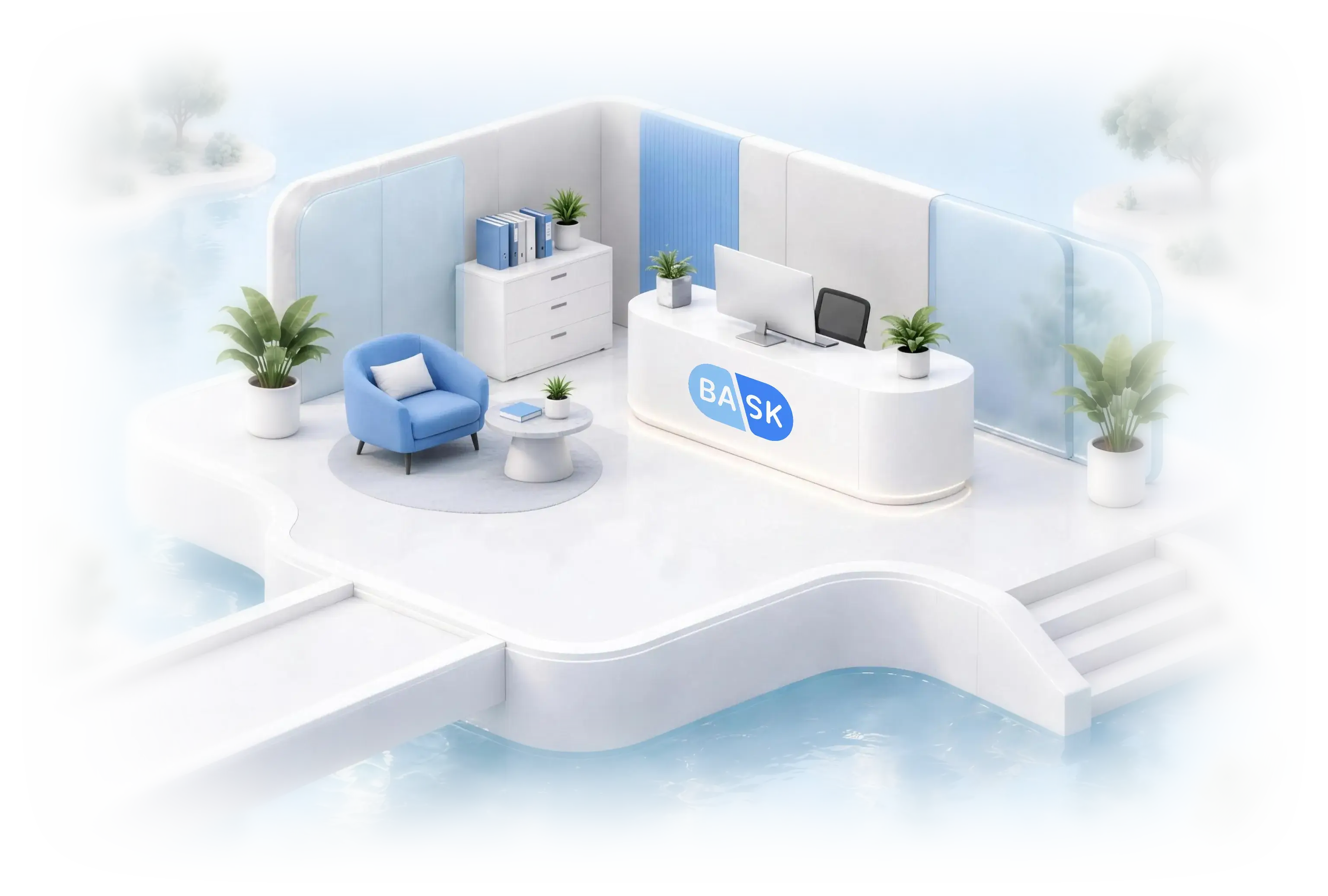
Open-air front desk with the Bask logo on the reception counter

02Product roomProducts

Products that are ready to sell.

One product holds its images, page content, fulfillment and pricing. Set a dose ladder, schedule prices and first-order or refill discounts, then test any cart before a patient sees it.

  • The cart simulator shows which rules applied, and why.
  • Every pricing change is saved as a version.
  • Basky drafts product page content and your team approves it.

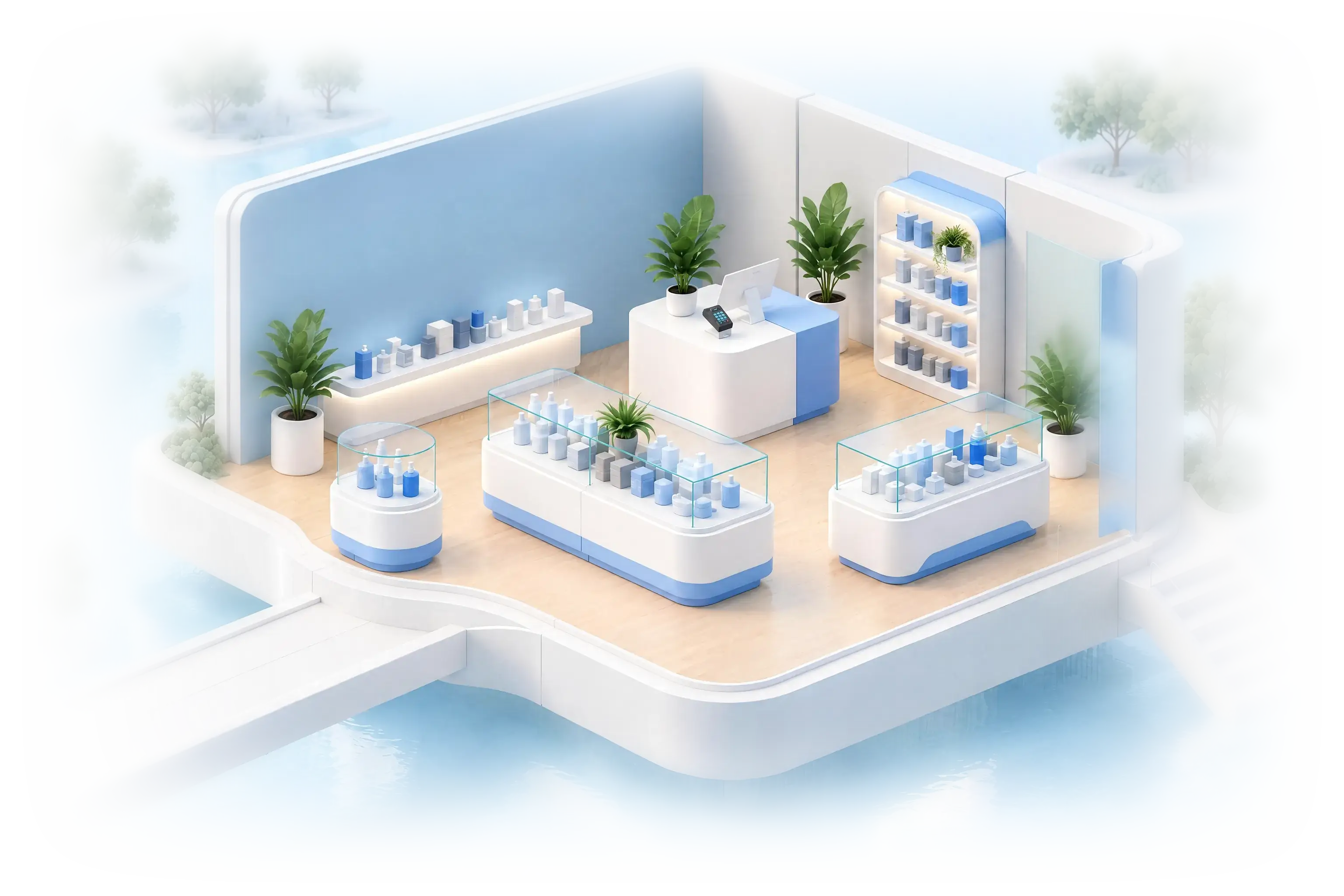
Product boutique with display shelves and a split-flap board showing revenue, orders and customers

03Brand roomBask Studio

Start from your brand, not a blank page.

Paste your website or start from scratch. Pick a vibe, add references and describe your brand in a sentence. Studio drafts your logo, colors, type and site look for you to review.

  • Six starting looks, from Clinical calm to Pastel utility.
  • Keep or drop any image Studio finds on your site.
  • Build around your product catalog, or make a brochure site.

Round brand studio with a moodboard and an easel

04Build roomBask Studio

Let Studio build your site.

Studio generates every page in the background and shows its progress in the activity tray. Nothing goes live until someone on your team reviews it.

  • Home, FAQ, How it works, About, Contact, a product template and a 404 page.
  • Every page stays a draft until it’s approved.

Workshop terrace with a conveyor of webpage cards and two robot arms

05Template roomBask Studio

Choose a template to start from.

Each one comes with a spot for your logo, fonts and a color palette you can change.

  • Five styles: Default, Bubble, Edgy, Flat and Sleek.
  • Add a code brick, share one header and footer across pages, or generate images in your brand’s style.

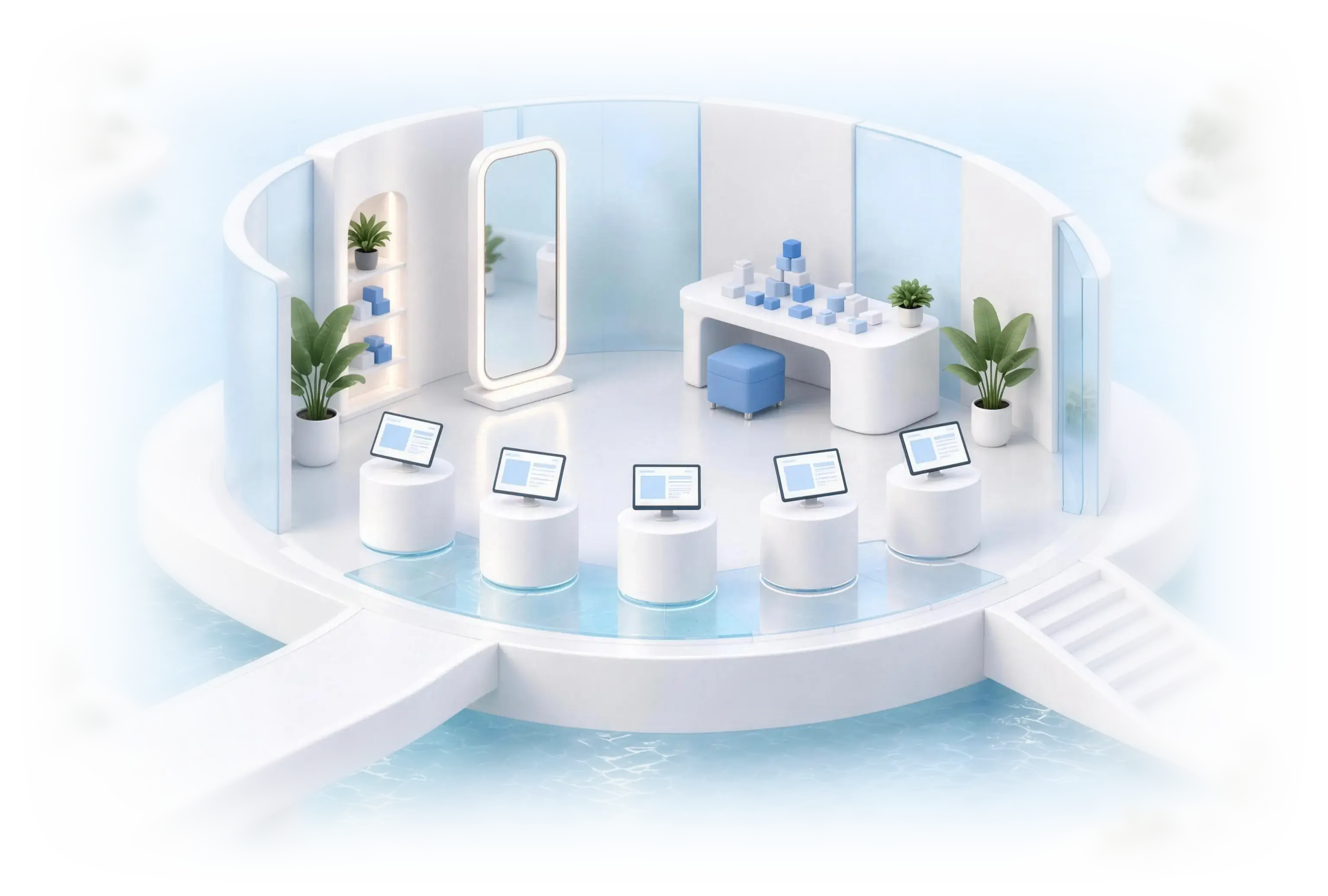
Round template room with a mirror and five pedestals

06Color roomBask Studio

Change your theme anytime.

Colors, fonts, corners and spacing live in one theme panel. Change it once and every page follows, with a timeline of versions for each page.

  • Nine color series to start from.
  • Every page keeps its own version history.

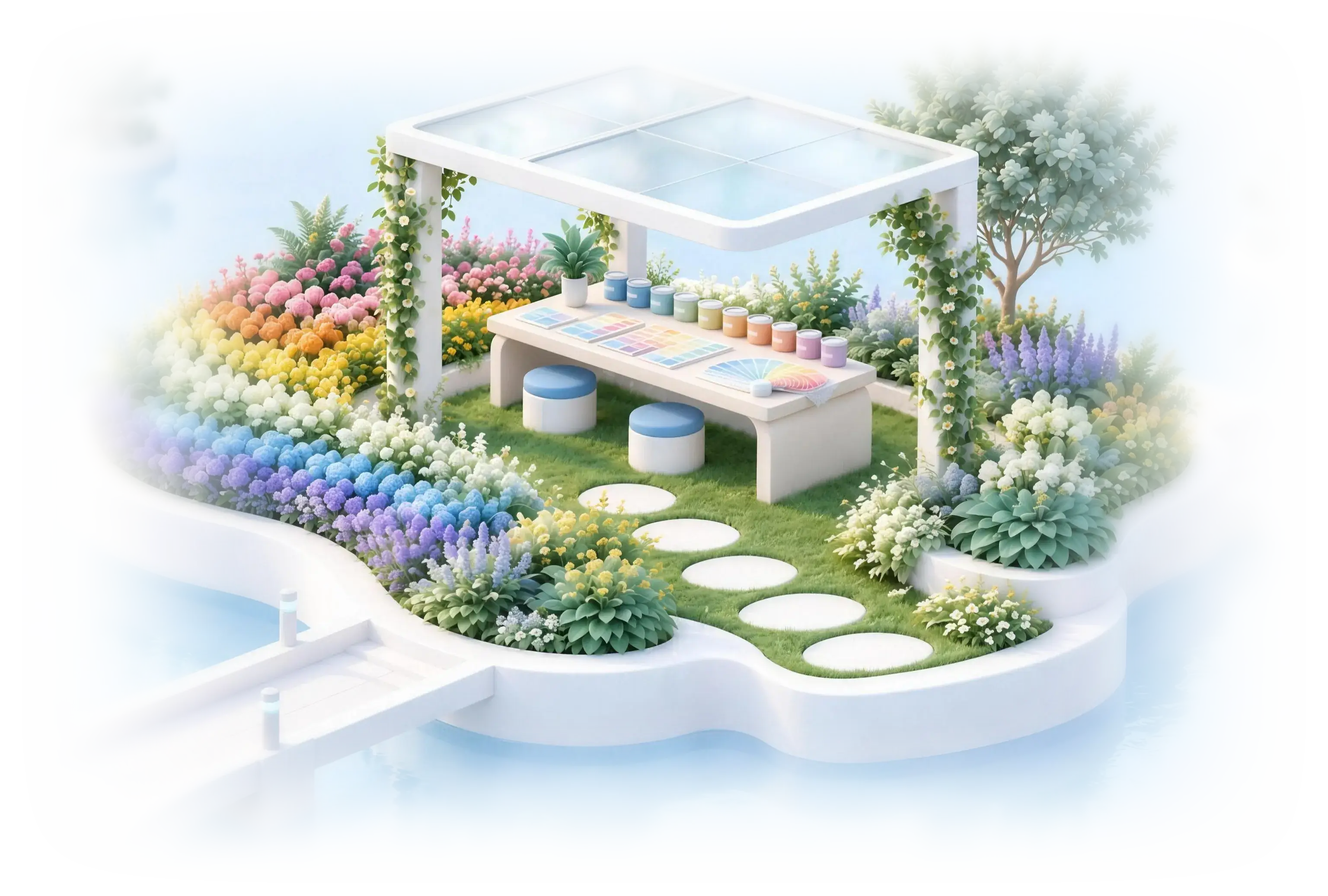
Color garden with rainbow flower beds and a pergola

07Flow gardenBask Studio

Map the patient journey on one canvas.

Start from the products you sell, add the questions patients answer and send each answer to the right next step. Build it with your team in real time, then share it as a short link.

  • Page steps, conditional routers, A/B tests and add to cart.
  • The Medical Assessment step can’t be removed from a flow.
  • Patients sign in with email, Google, Apple or Facebook, and promo codes stay with them through checkout.

Garden path that forks and rejoins on the way to checkout

08Basky’s deskBask Studio

Ask for a page, get a page.

Basky sits in the corner of every Studio screen. Say what you need: it plans the steps, builds the page, checks it with the page critic and tells you what’s still a draft.

  • Basky also answers questions about your business, like funnels, revenue, orders and repeat patients.

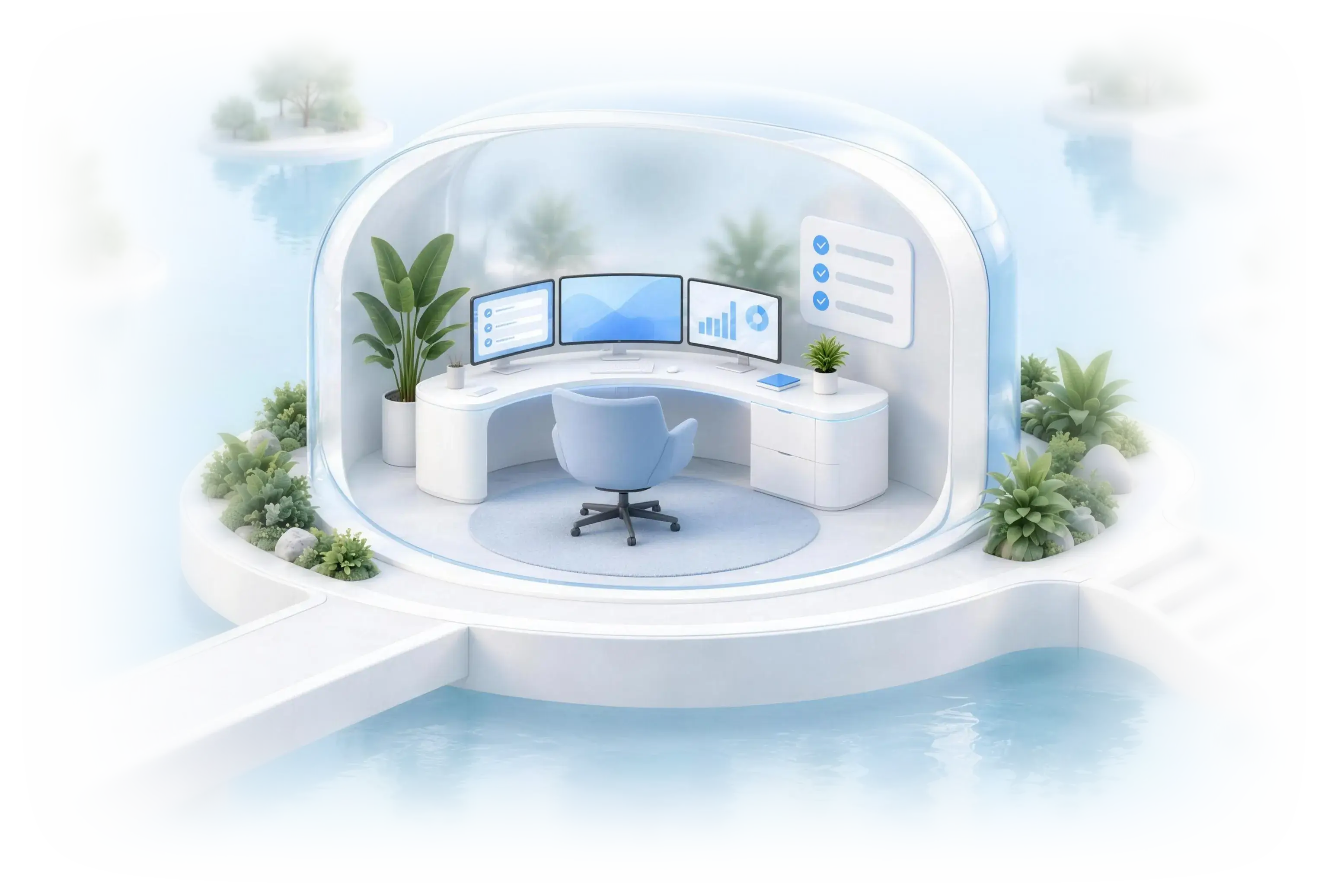
Round studio with a curved console and three screens

09Domain roomBask Studio

Put your site on your own domain.

Search for a name, choose where it points and buy it without leaving Bask.

  • See which names are available as you type.
  • Point it at Sites & Flows, the Patient’s Portal or the Admin portal.
  • Purchased domains are set up for you.
Try it with your own brand name

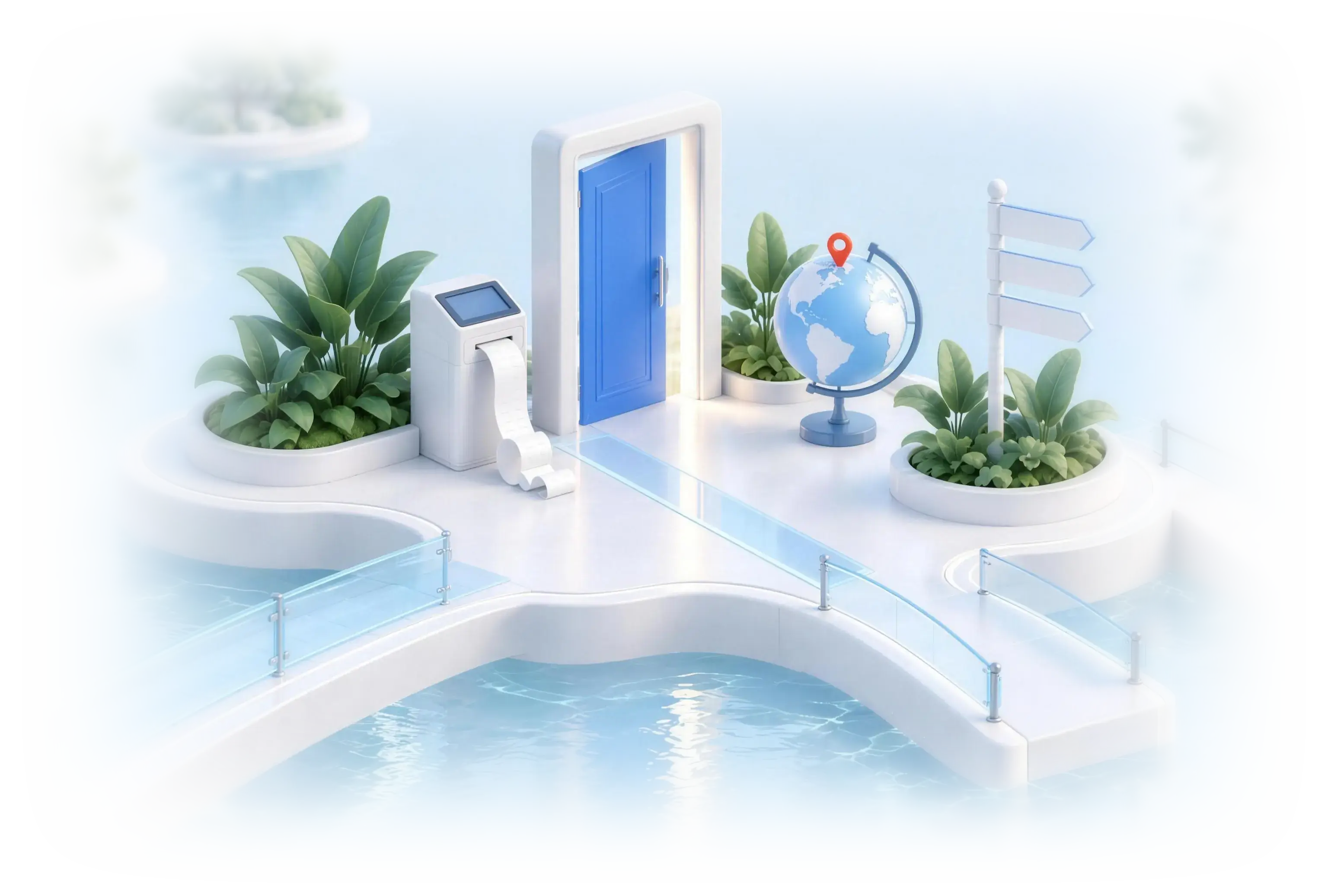
Entrance plaza with an open blue door, a receipt printer and a globe

10Data labSegments

Patient groups that update themselves.

Describe the patients you want, like everyone in Texas who refilled in the last 30 days, and Bask keeps that list current for you. Start from one of 17 templates, or type a change and refine it with AI.

  • Save any report view as a segment.
  • Counts refresh every time you open it.

Data lab with chart screens and a sorting machine

11MarketplaceReplaces the App Store

Add what you need, when you need it.

Browse add-ons by category, price or what’s already installed, and open any card for details and subscription options.

  • Your plan decides what your store can use, and it’s all visible in one place.
  • If a payment fails, retry it right from your plan.

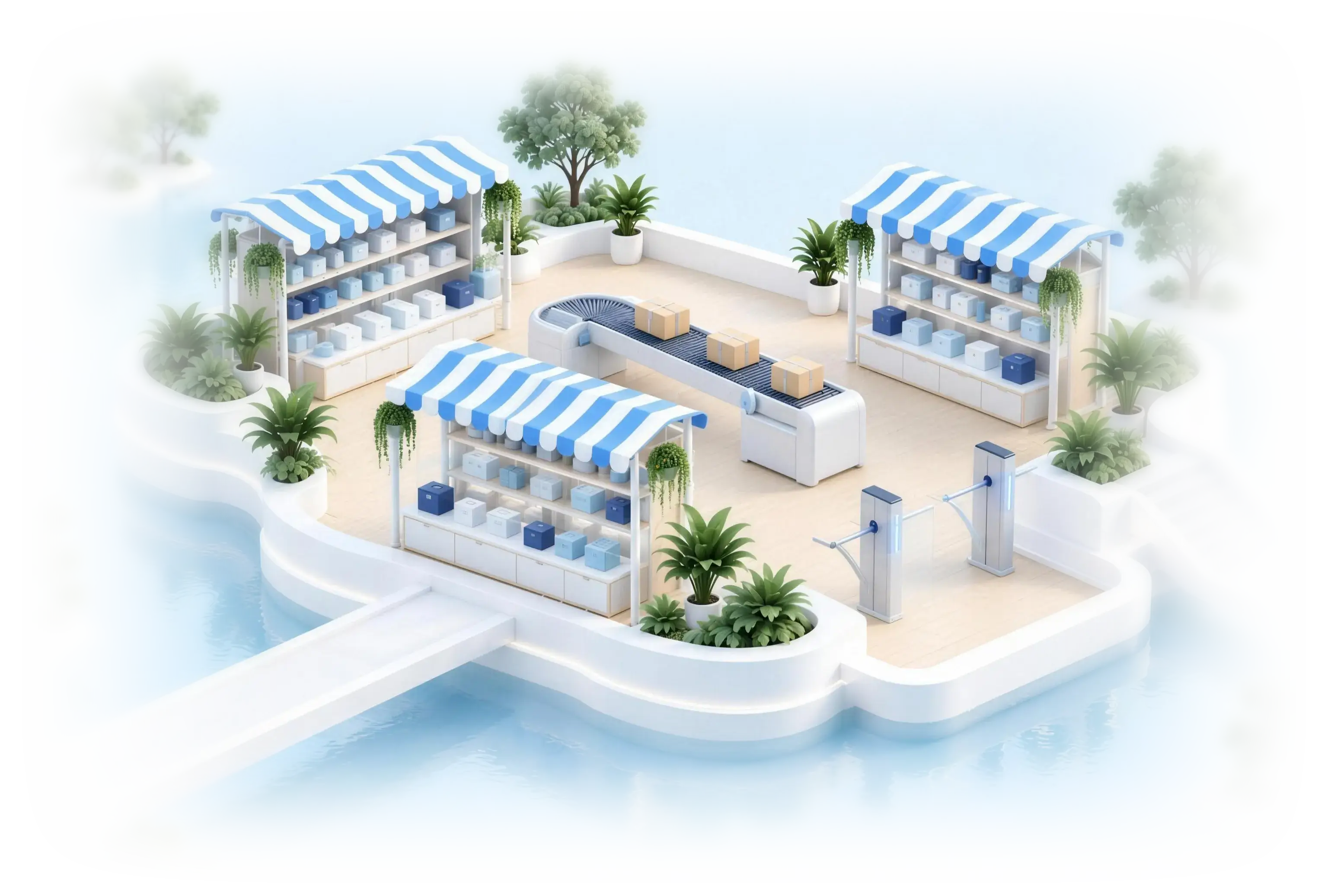
Open-air marketplace with blue-striped stalls

12Partner HQPartner Portal

Run many stores from one portal.

Partners who manage several brands get a portal of their own for sub-accounts, contracts, financing and payouts through Stripe Connect.

  • Built for partners who run more than one brand.

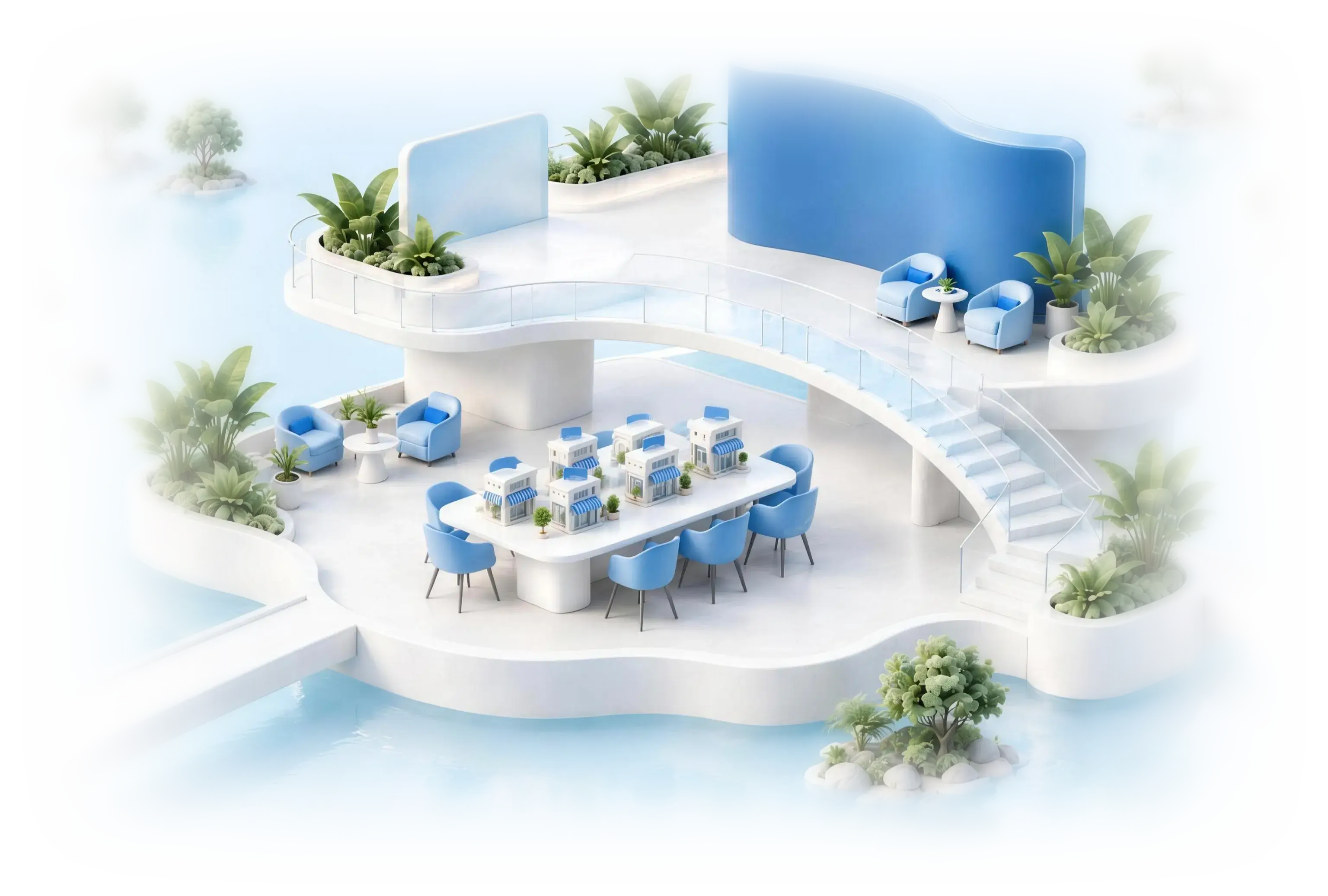
Two-level partner terrace with a table of small storefronts

Partner Portal3 storesViewing GLPath

Try it: launch 2 more stores, then push one catalog update to all of them at once.

  • Launch 2 more stores 0/2
  • Push one update to every store

    13Ask BaskBasky AI assistant

    Ask Bask anything.

    Basky sits in the corner of every screen. Ask about funnels, revenue, orders or repeat patients, start a guided tour, or tell it what to build next.

    • Ask about funnels, revenue, orders and repeat patients.
    • Start a guided tour of the portal any time.
    • Suggestions like “What should I improve?” are one tap away.

    Floating garden island with an open notebook and drifting stationery

    Also new this fall

    • Labs

      Pick a service center on a real map and see the real price before buying.

    • Pharmacies and shipping

      Evoluciona and Premium Compounding join the network with UPS.

    • Headless checkout

      Add-ons in membership checkout, and Buy Now Pay Later for guests.

    • Dark theme

      The portal in dark mode, for late nights.

    • Faster big stores

      Busy stores load their heaviest pages much faster.

    Already on Bask? Nothing changes until you’re ready.

    Your store, data and settings stay as they are until you move over.

    Get Bask Studio in your workspace.

    See Bask 2.0 with your own catalog.

    Book a demo

    Screens, product names and prices on this page are examples. Prescription products are offered only if a licensed provider determines they are clinically appropriate. Individual results vary. Compounded medications are prepared by state-licensed pharmacies and are regulated differently than brand-name therapies.